After the release last month of freeware Post on Screen 1.0 Beta, I’m please to announce the release of Post on Screen Pro 1.0 Beta.
Post on Screen Pro is the professional version of Post on Screen with many more options than just displaying text above your other windows. Post on Screen Pro can also
Add images (like logo’s) on top of other windows
Include multiple text per post (use left right arrows to change text in your post)
Save the created post
Have multiple posts on the screen
Have a tool bar to easily change your post
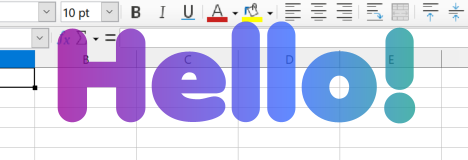
Have a gradient outline for the text
Use current date & time for the text (e.g. DateTime:HH:mm)
I’m please to announce the release of Applet Runner 1.3. Applet Runner is a free IDE plug-in (Eclipse, IntelliJ IDEA/JetBrains, NetBeans) that lets you run Java applications embedded in the IDE.
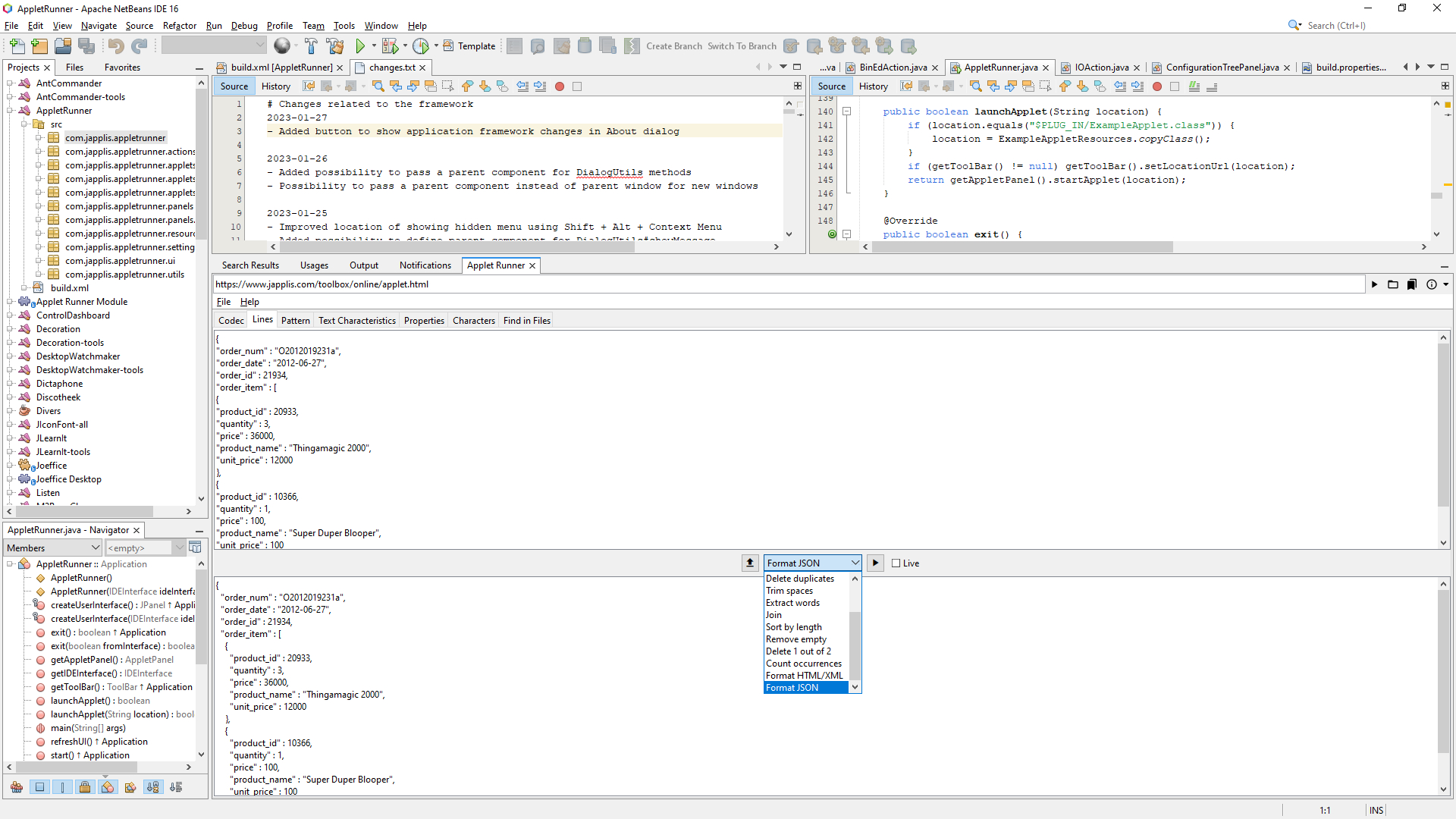
Applet Runner running in NetBeans with Japplis Toolbox applet
What’s new:
Applet.stop() is called when the applet is closed
If you buy Applet Runner Pro, you will be able to fill in the license key in Applet Runner for NetBeans and Eclipse
Better codebase detection if the URL class location contains ‘/com/’ or ‘/org/’
Many improvements in the application framework (about 150)
Fixed license agreement window not appearing on top of other windows
Translate Ctrl, Shift, Alt to the correct keyboard sign for Mac OS X
Added SettingPanel#getLabel that can also handle tooltips
If Flat IntelliJ look and feel is selected -> unlock the possibility to provide an IntelliJ Theme
Improved quality of taking a screenshot of a component
Improved creating square buttons for IconFontSwing#decorateButton
Catch possible error when getting the clipboard data flavor
Fixed start-up error if FlatLaf not in classpath
Added possibility to skip entering the license key the first day of the installation
Added scroll bar if the setting panel doesn’t fit in the window
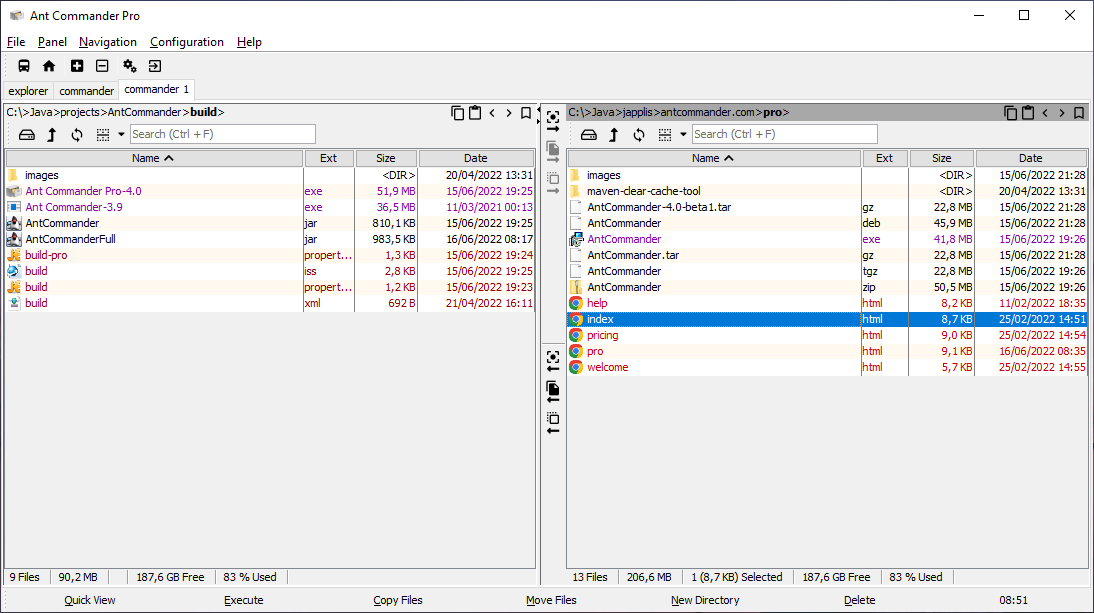
Note that Applet Runner Pro 1.3 has also been released. Applet Runner Pro allows to have multiple applets running at the same time and is available as standalone application for Windows, Mac OS & Linux.
New ‘complete unknown’ mode in practice options to ask for word missing translations
Save action no longer show the file chooser (use Save as for the file chooser)
Log practice answers
Various improvements and bug fixing in the application framework
– Improved memory usage
– Various fixes for the applet mode
– Show the license if not already done
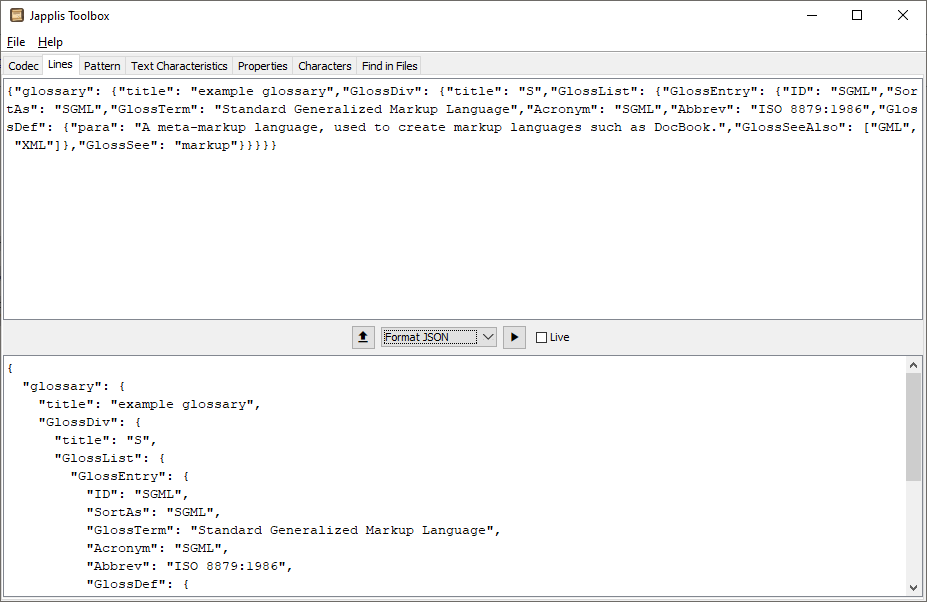
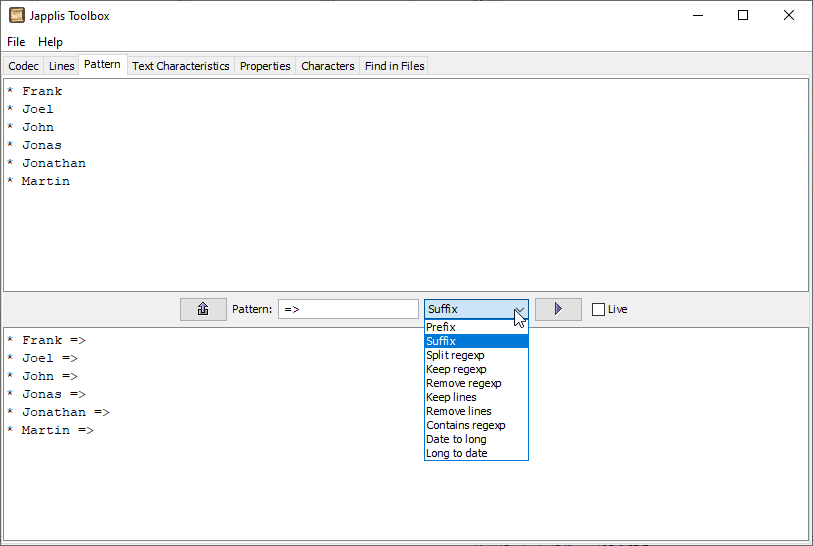
More than 50 text tools in one free software, Japplis Toolbox 5.0 has been released.
All text processing is done on the local computer to avoid leaking company data.
Lines: Sort, Reverse, Shuffle, Number, Delete duplicates, Trim spaces, Extract words, Join, Sort by length, Remove empty, Delete 1 out of 2, Count occurrences, Format HTML/XML, Format JSON
Pattern: Prefix, Suffix, Keep regular expression (regexp), Remove regexp, Keep lines, Remove lines, Split regexp, Contains regexp, Replace regexp, Date to long, Long to date
Text Characteristics: Character count, Word count, Line count, XML validate, Hash code, MD2, MD5, CRC32, Adler32, SHA-1, SHA-256, SHA-384, SHA-512, SHA3-224, SHA3-256, SHA3-384, SHA3-512
Characters: Character in specified font, Hexadecimal value based on specified character encoding, Decimal value, Character name, Character category
Find in files: Find regular expression in specified files, Show file names, Show found line numbers, Show number of occurrence found
There are more than 50 changes in this release: window always on top, translucent window, new About dialog with more info, new settings dialog, multiple skins including a few dark themes, replace operation in pattern and Cyrillic to Romanian encoding decoding.
I’ve just released To-Do Today 2.1. To-Do Today is a free Android daily tasks list with categories that doesn’t require an account and will keep the data on your mobile phone.
I’m pleased to announce the release of JLearnIt 6.2.
JLearnIt is based on 4 parts
On the left side, you’ll have the word categories and their subcategories. You can select the whole list or just a specific subcategory.
You have a table view where you can select which languages to show in the selected category and you easily search for words with the toolbar field.
You have a practice part where the software will ask you for translation based on the category and the difficulty level chosen. It will also know which answers were the most correct to more often skip the word you already know.
You have a search part where it will show the words found and not found in a specified language as you enter text in a text box.