macos

Software Poster Font 1.6 Released

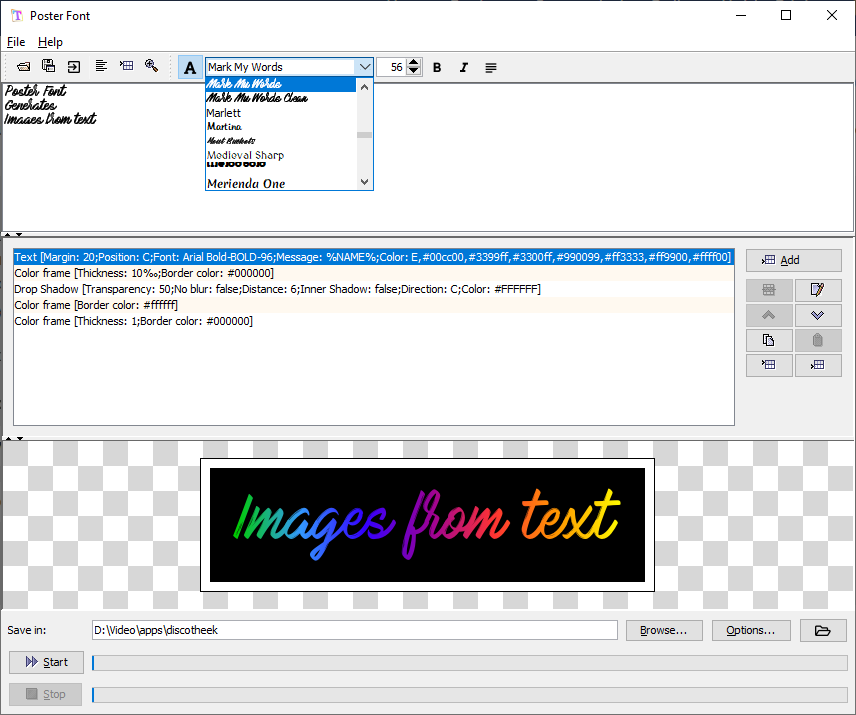
Poster Font is software for Windows, macOS or Linux that creates beautiful text/titles. You can apply many effects and templates to a text and do it in batch.

Download and use for free at https://www.japplis.com/poster-font/

Since the last post here was about the first release, here is what’s new:

  • Drop a previous image (png) to the filters to load the effect
  • Improved text alignment
  • New Show in Window action
  • Many bug fixed in some effects
  • A few new effects
  • New virtual keyboard for unicode characters
  • Gallery font to visually select a font
  • Many small improvements and bug fixes
Screenshot of Poster Font software

Screenshot Crop 1.0 Released

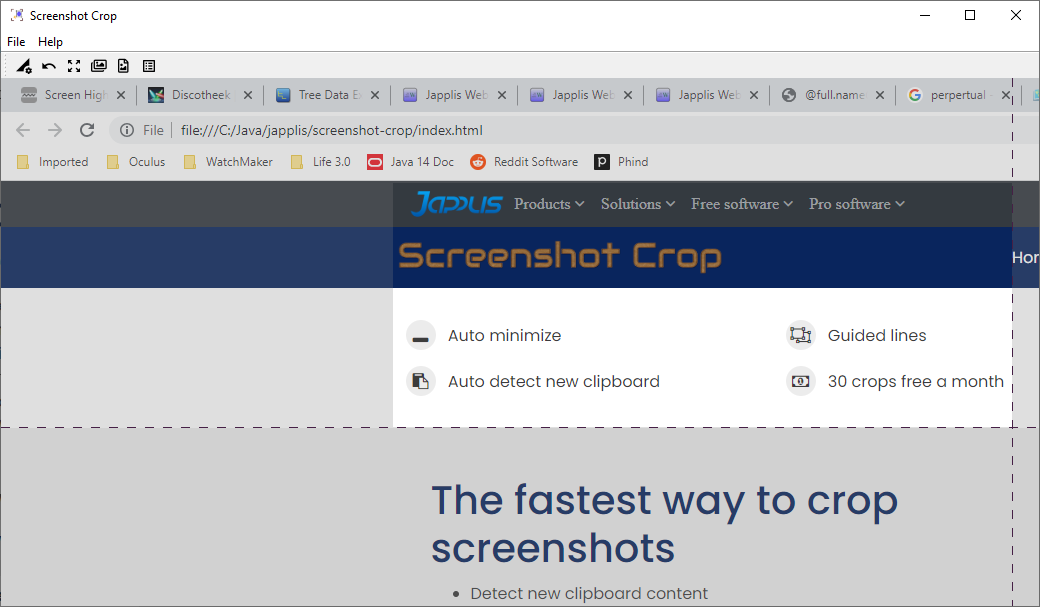
Screenshot of Screenshot Crop

Do you often have to take screenshots of part of your screen? Screenshot Crop is here to help you. It will detect when an image is added to the clipboard, show it and propose to crop part of it with guided lines. After cropping the image, Screenshot Crop will be automatically minimized so you can continue what you were doing.

🆕AI Tool to Select the Best Images: Directory Crop 1.0ß

AI generated images are often bad, sometimes partially bad/good and a few times good. That’s why people don’t generate one image but multiple images. Then they have the task to select the best images. That where Directory Crop will help. You can easily delete bad files with right click or delete key, or select the part of the image you want to keep. It automatically goes to the next image after delete/crop. You can also navigate the images using the mouse wheel or left/right keys.

All is done to get the best of your images in a minimal time.